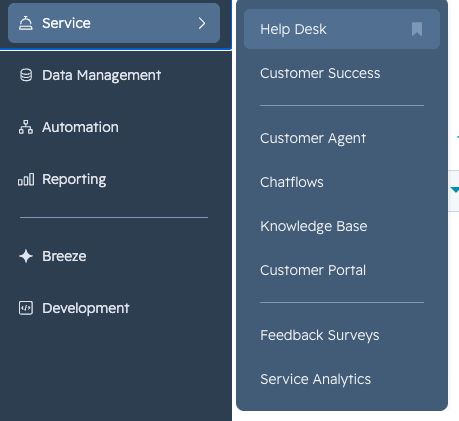
Click the expand icon at the bottom of the left panel to view all tools.
Key areas:
Bookmarks: Personalized to you. Bookmark any tool for quick access.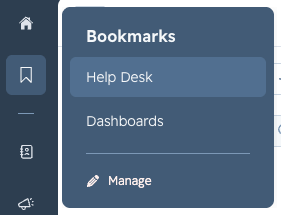
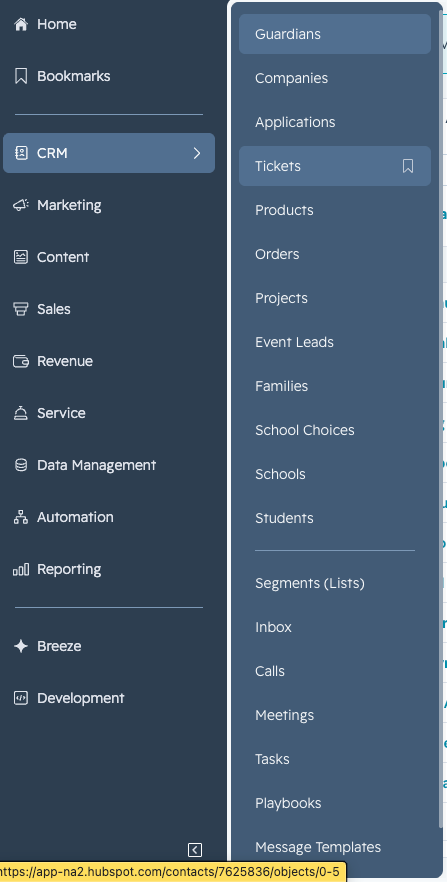
CRM Tab: Jump directly to Guardians, Students, and Tickets — the three main objects you'll work with.
Service Tab (bell icon): Where the Help Desk lives, along with the knowledge base, customer portal, feedback surveys, and service analytics.