
“Contact record” and “Guardian record” are the same thing. The standard HubSpot object is called Contacts; in the LTS portal it is labeled Guardians. The terms are interchangeable.
Key features of a Guardian record
Left Column
- Surface-level properties: name, email, phone, campus, lifecycle stage
- “View All Properties” to see every known field
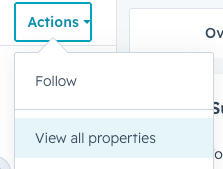
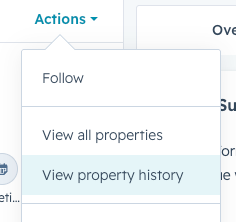
- “Property History” to see how any field has changed over time (useful if a phone number was updated)
Middle Column (Activities Pane)
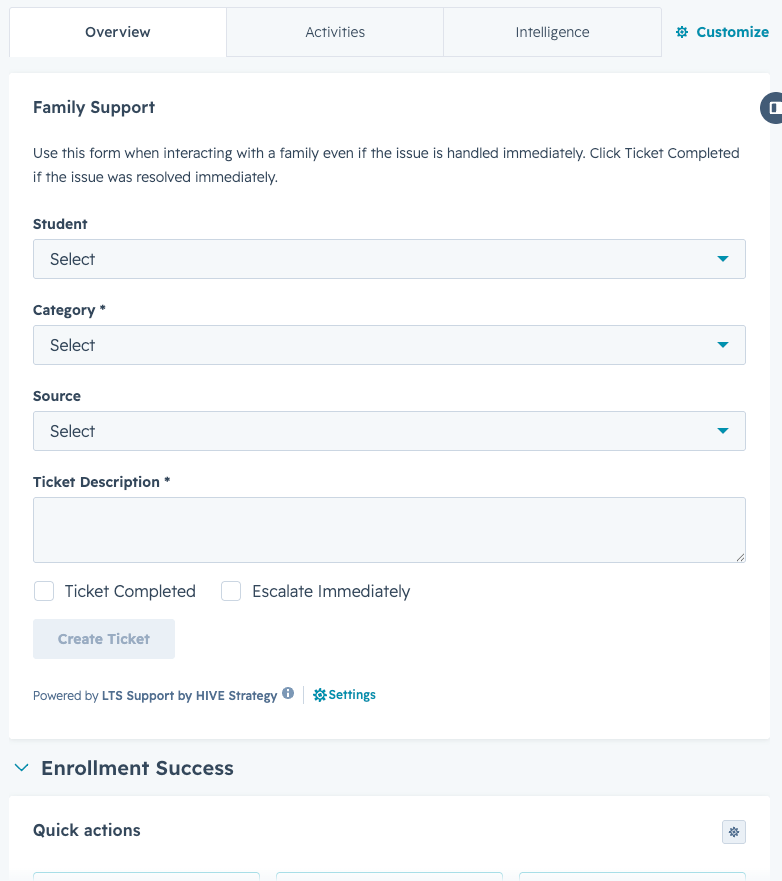
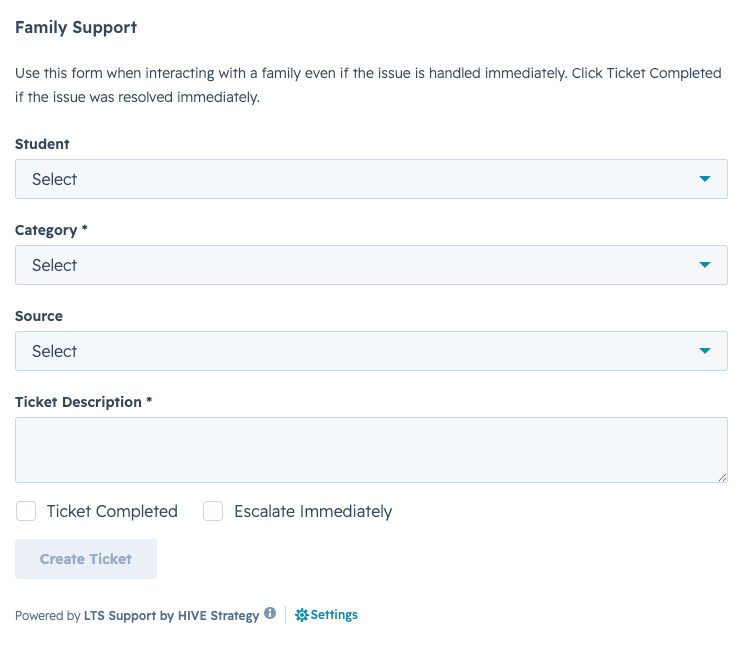
- Overview tab: Includes the Family Support Card for logging phone and in-person interactions
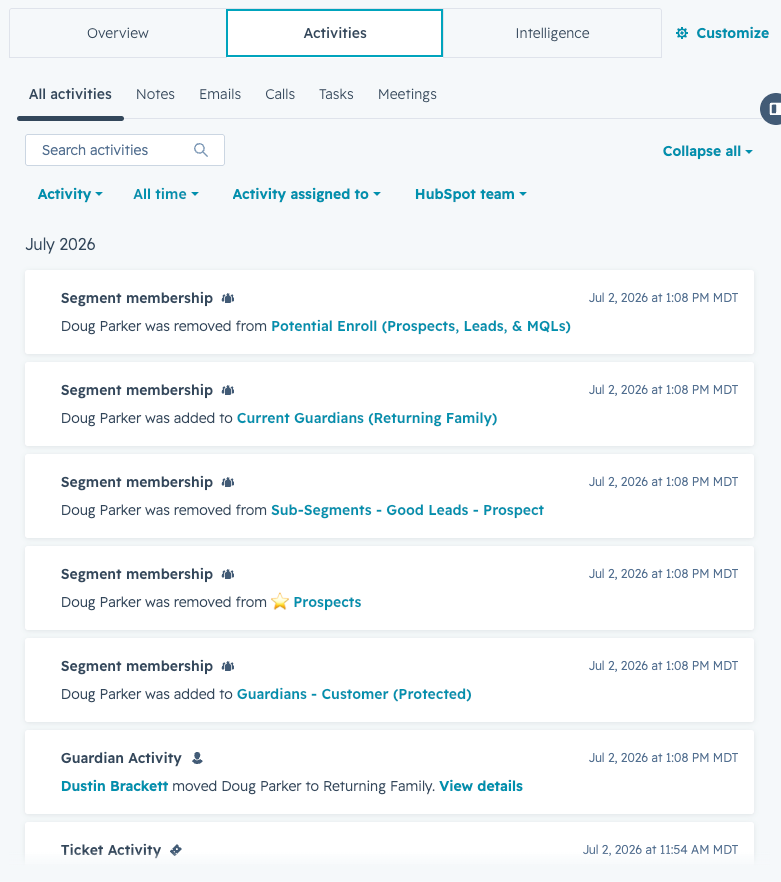
- Activities tab: All historical interactions — emails sent and received, calls, notes, meetings — in chronological order
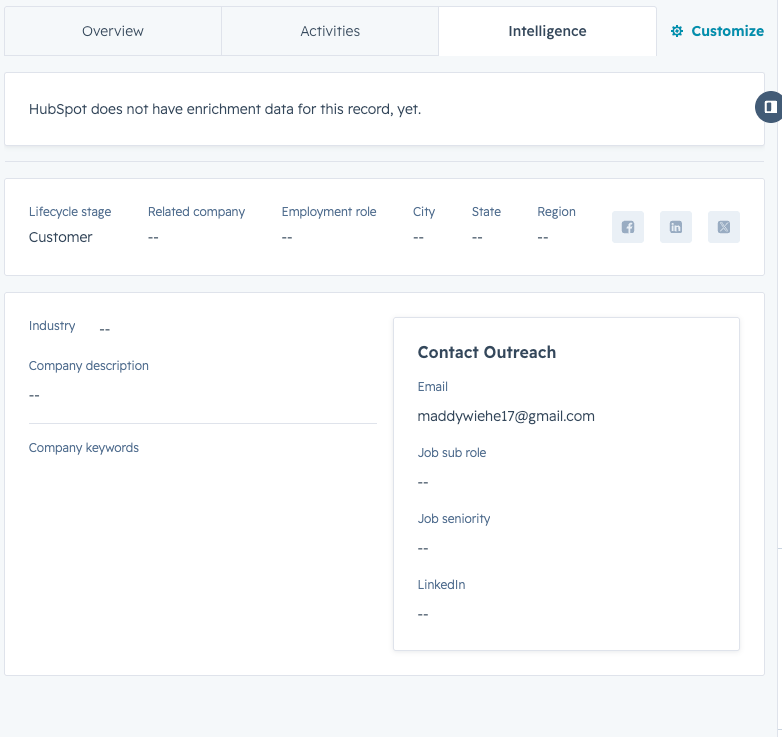
- Intelligence tab: AI-driven insights that grow richer as more interactions are recorded
|
SPECIAL FEATURE — FAMILY SUPPORT CARD Used to log phone calls and in-person interactions. Located in the Overview tab of a Guardian record. (Guardian records only) |
|
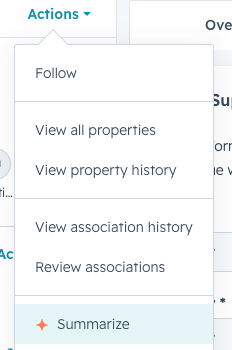
SPECIAL FEATURE — SUMMARIZE (BREEZE ASSISTANT) Click the Summarize button to get an instant AI-generated summary of the entire Guardian record. You can also prompt Breeze with specific questions just like ChatGPT.
|
Right Column (Associations)
- All tickets associated with this guardian (open, closed, new)
- Related schools, other guardians, students, applications